
You scale the consumer group from 3 to 12 and lag barely moves. One partition is millions of offsets behind; the others sit idle. The broker that leads that partition is chewing disk and network while its peers look fine.
That is a hot partition. Most of the produce traffic hashed onto one slice of the topic — or stuck there because of a bad key. Extra consumers do not help. Kafka assigns partitions, not a fair share of the work.
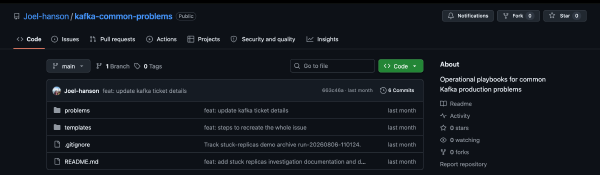
Below is the path I walk with customers: confirm the skew, figure out why the keys collapsed, then change as little as possible to spread the load. The longer playbook — and a Docker Compose demo you can run locally — lives in kafka-common-problems.
What it looks like#
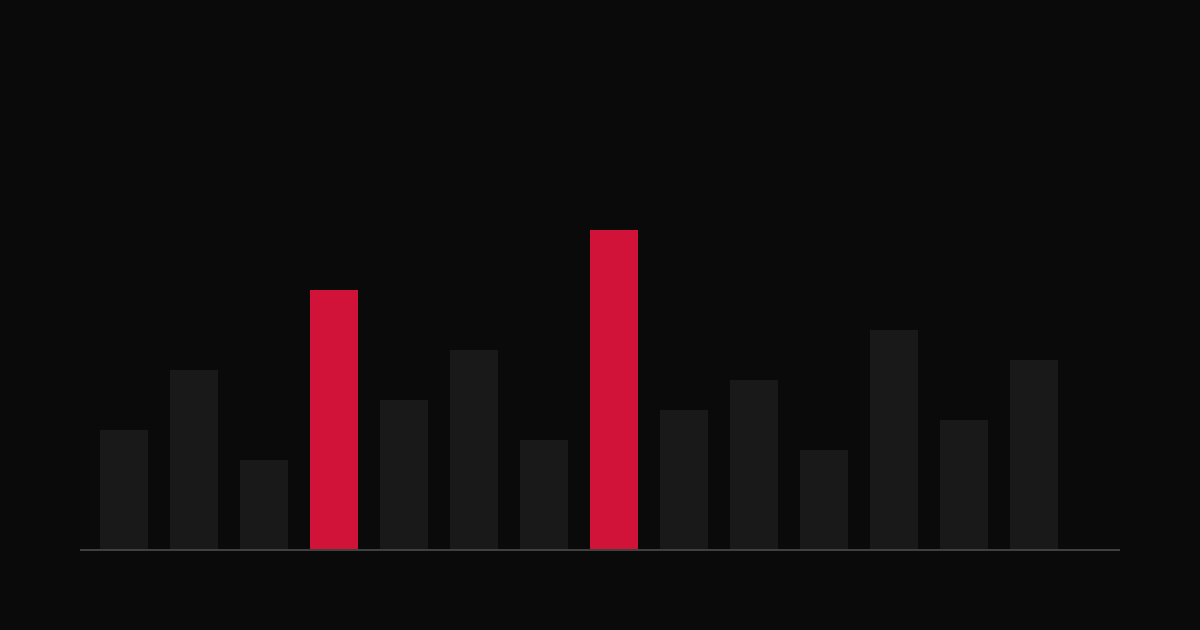
Lag or log size on one partition sits far above the rest. Produce latency or timeouts cluster on that partition. One broker runs hotter than the others, and it often owns the hot leader. Scale-out looks pointless because the new members get the quiet partitions.
If lag is high on every partition, you are under-provisioned or the consumers are slow. Hot partition means uneven load, not “the topic is busy.”
Confirm it is skew#
Start with per-partition lag, end offset, or size. A hot partition is usually an order of magnitude above the median. Topic-level lag alone will hide that.
Then map the hot partition to a broker. Note the leader and replicas, and compare that broker’s disk growth, network, and request load to the others. Sustained pressure on the owner of the hot partition fits the picture.
Sample the keys landing on the hot partition. You often find one key (or a handful) owning almost all the traffic, coarse keys like status or country, a tenantId when one tenant is huge, or null keys when you expected a spread. A wrong key field in the producer or a Connect SMT is a frequent root cause. Fix that mapping before you touch partition count.
Also separate hot data from a slow consumer. Compare produce rate into the partition with consume rate. Even produce rates and one slow member is a consumer problem. Uneven produce rates point at the key or the partitioner.
Partition count still matters. It caps parallelism, and mild skew on a 3-partition topic can look catastrophic. But if one key dominates, adding partitions will not spread that key — the hash still pins it to one partition.
Fix the cause you found#
Most of the time the fix is the partition key. Pick something with high cardinality and even real traffic: order id, event id, device id. Not status or country alone.
Keep ordering in mind. Same key means same partition, which means ordered per key. Customer id is fine until one customer is enormous; then you need isolation or salting.
Roll the producer or Connect change. Old data stays on the hot partition until it is consumed or expires. New traffic should spread.
Increase partitions only after the keys look sane and you still need more consumer parallelism or broker spread. Existing records do not reshuffle — only new records use the wider space. Anything that assumed a fixed partition count needs a plan. And do not expand partitions as the first response to a single dominant key.
When a few entities are inherently hot, isolate or salt them. Isolation means a dedicated topic (or explicit partitions) for that entity so the main topic stays balanced — prefer this when per-entity order must stay strict. Salting means keys like entityId#0 through entityId#N so one logical key fans out. Consumers have to merge those partitions, and you accept weaker ordering for that entity.
A custom partitioner is rare. Use it only when business rules need explicit placement, and put the same partitioner on every producer of that topic. Mixed partitioners make things worse. Most teams never need this if the key is right.
Replica reassignment can move heat off an overloaded broker for a while. It does not fix the key. Treat it as buying time.
How you know it worked#
Per-partition lag and size should move toward the median over a normal traffic cycle. The outlier broker cools down. Adding consumers actually reduces lag.
Watch through a peak. Skew that only shows up at peak is still a hot partition.
Try it locally#
The repo has a small KRaft broker stack. It produces about 10,000 records with 90% sharing one key (tenant-vip), prints per-partition end offsets, then produces a balanced topic with unique order-id keys so you can compare.
git clone https://github.com/Joel-hanson/kafka-common-problems.git
cd kafka-common-problems/problems/hot-partitions/demo
chmod +x scripts/*.sh

./scripts/up.sh
./scripts/produce-hot.sh          # one partition absorbs ~90% of offsets
./scripts/show-partition-sizes.sh
./scripts/produce-balanced.sh     # unique keys → even spread
./scripts/down.sh
Details and env knobs are in the demo README.
Takeaway#
If scaling consumers does nothing and one partition owns the lag, check the keys before you check the cluster size. The playbooks and demos for this series are in kafka-common-problems. Hot partitions is the first entry.